

How to Troubleshoot a Water Leak Sensor That Keeps Beeping
Last updated: October 30, 2026
Key Takeaways
- The alarm means water, a fault, or low power.
- Drying the probe usually clears the most common false alarm in about 2 minutes.
- A weak battery often causes a water leak sensor to chirp with no water present.
- Corrosion on the sensor body can trigger a false beep even when the floor is dry.
A water leak sensor that keeps beeping usually points to one of four things: a wet probe, a low battery, dirt or corrosion on the sensor body, or a reset that never fully took. Start with the probe and battery. They cause most cases, and they are the quickest to check. See the water leak sensors for home hub, the home maintenance guide, and the emergency preparedness overview for broader setup context.
What the beeping is telling you right now

The sound is the alarm saying it sees water, a fault, or low power. On many battery-powered leak alarms, a steady or repeating chirp means the sensor is in alarm or the battery is near end of life; a different pattern may mean a device fault. Pattern varies by model, but you can begin basic troubleshooting without the manual.
Near a sink, water heater, washing machine, or basement drain? Assume the alarm is real until you prove otherwise. A puddle, condensation drips, or a damp floor can wet the probe enough to set it off. In a dry room, though, the battery or electronics jump to the front of the line.
Dry first, ask questions later. Most leak alarms have a test or silence button, and many control-app systems let you mute the alert briefly. Use that window only to inspect the area. If the alarm returns right after you dry the probe, the sensor is still reading moisture.
Dry the probe before you do anything else
Drying the probe clears the most common false alarm, and it takes about 2 minutes. On exposed-contact models, those metal points are the probe; on units with an external sensor pad, dry that pad instead.
- Lift the sensor off the floor or out of the drip area. The beep often keeps going while the contacts are wet, so move the device first.
- Wipe the probe with a dry cloth or paper towel. Get between the metal points if the design has two or more exposed contacts.
- Let the device sit in open air for 5 to 10 minutes. A damp floor or a bead of water under the sensor can keep the alarm active even after the top surface looks dry.
- Put the sensor back on a dry surface and listen for the alarm to stop. If it quiets down, the issue was moisture, not a failure.
- If the alarm still sounds, inspect the area for slow drips, condensation, or water creeping under baseboards or appliance legs.
Do not use a soaking wet cloth or spray cleaner on the probe. That can turn a false alarm into a longer one. If the sensor body has a removable cover, check under it for trapped moisture, but do not open a sealed unit far enough to damage the housing.
This is where hidden water sneaks in. A sensor can keep beeping because the floor is dry on top and wet underneath, especially on tile grout or concrete. If drying the exposed probe silences the alarm only briefly, keep looking for the source of moisture around the sensor, not just on it.
Is the battery causing the beep?
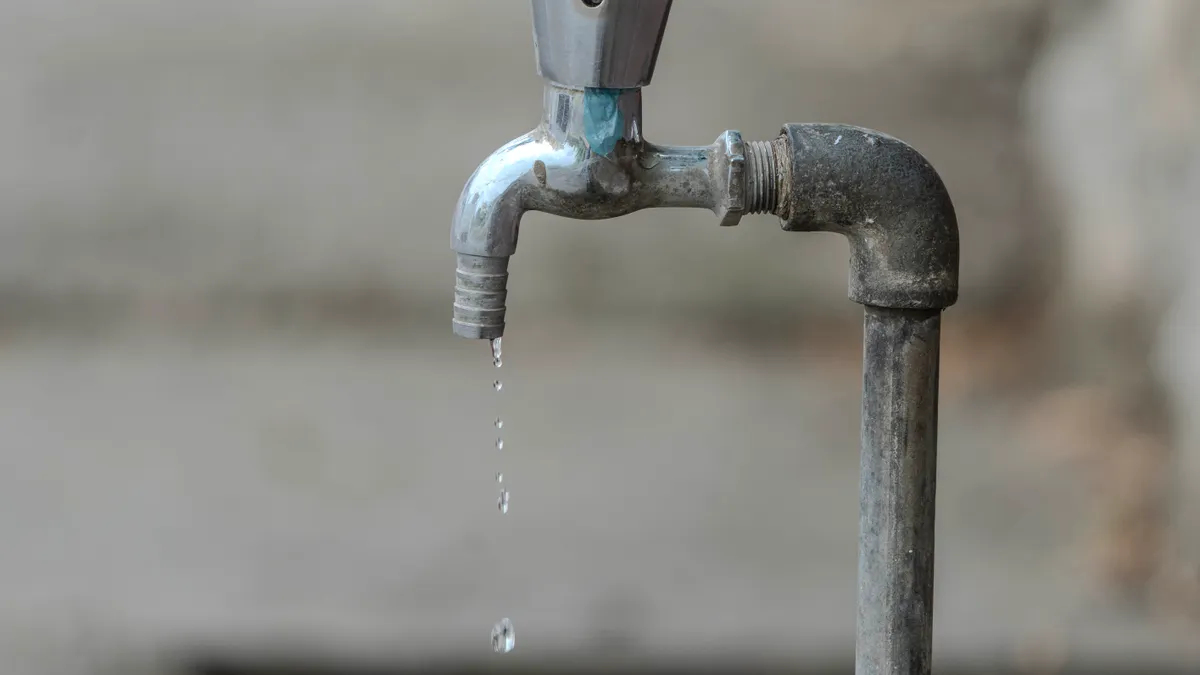
A weak battery is a common reason a water leak sensor keeps chirping when no water is present. If the alarm pattern is shorter, less urgent, or repeats at regular intervals, the battery should be your next check.
Open the battery compartment and look for the battery type printed inside, such as CR123A, CR2, AA, or AAA. Replace it with the exact type the device calls for. Do not mix old and new cells in the same unit, and do not assume a rechargeable battery belongs in a device that was designed for a primary lithium cell. Some sensors are extremely sensitive to battery voltage, and a cell that still powers a flashlight can still be too weak for the alarm circuit.
Check the battery terminals for corrosion. White powder, green crust, or dull black staining means the contacts may not be making a reliable connection. Remove the battery, wipe the terminals gently with a dry cotton swab, and, if needed, lightly clean the contacts with a little isopropyl alcohol on the swab. Let everything dry fully before reinstalling the battery.
A fresh battery should stop a low-battery chirp quickly, but a water alarm may continue if the device still detects moisture. That split is useful: if the chirp changes after the battery swap, you have probably found the low-power issue. If nothing changes, move on to the sensor body and reset steps.
One trade-off is obvious: battery swaps are cheap and quick, but they can hide a deeper problem if the compartment is corroded. When leakage has damaged the contact springs, replacement may make more sense than yet another cell.
Check the sensor body for corrosion, dirt, or damage
Corrosion on the sensor body can make a leak detector beep even when the floor is dry. Dirt, mineral residue, and oxidized metal can create a weak electrical path across the probe, which the device reads as moisture.
Take a close look at the probe, the battery compartment, and any screw terminals or contact pins. A flashlight helps. Rust-colored staining, white crust, or green deposits call for careful cleaning with a dry cloth or a cotton swab lightly moistened with isopropyl alcohol. For stubborn residue on exposed metal contacts, a soft pencil eraser can remove oxidation without scraping the part apart.
Cracked? Swollen? Signs of water inside the housing? Stop treating it like a simple false alarm and consult the manufacturer or a qualified technician before reusing it. Water inside the case can short the circuit or corrode the board, and that usually does not improve with another reset. A device that has been submerged or soaked may continue to beep because the electronics are damaged, not because the floor is wet. See the manufacturer manual and the support page for model-specific guidance.
Handle the probe carefully. Bending or polishing it aggressively can change how the sensor responds to water. The goal is clean contact surfaces, not a new shape or spacing.
Cheap disposable alarms and monitored sensors split here. A basic alarm with visible corrosion is often not worth much repair time. A sensor tied into a control app or building system may justify one careful cleaning pass, a battery replacement, and a reset before you decide it has failed.
Reset the alarm and reconnect the control app
Resetting the device clears many false states, especially after drying the probe or replacing the battery. If the sensor is paired to a control app, you may also need to reconnect it so the app stops showing an old alarm state.
Start with the physical reset button if the model has one. Hold it for the number of seconds listed in the manual; 5 to 10 seconds is common on many small alarms, but the exact time varies. No dedicated button? Remove the battery for 30 to 60 seconds, then reinstall it. That power cycle often clears a latched alarm.
After the reset, wait for the startup tone or LED pattern the unit normally uses. If the device stays silent, check whether the alarm light returns after a few seconds. If the beeping resumes immediately, the sensor still sees a fault condition, or the reset did not complete.
For app-connected models, open the control app and confirm the sensor shows as online. Some systems keep the old alarm message until the device checks in again over Bluetooth, Wi‑Fi, or a hub. If the app shows a stale alert, refresh the device list, then trigger the sensor briefly with a damp fingertip and dry it again to force a status update. If the app still reports a leak after the sensor is dry, remove and re-add the device only if the manufacturer says that is the normal reset path.
A reset helps, but it is not magic. It can clear a nuisance state from a battery swap or a brief moisture event. It will not fix a wet probe, a corroded contact, or a failed board.
When the beeping is a real leak, not a fault
The beeping is real water detection if the probe touches moisture and the alarm returns every time. When that happens, the fix is to find the source of the water, not to silence the sensor.
Start with the obvious: appliance drip trays, shutoff valves, condensate lines, water-heater pans, refrigerator supply lines, and basement seepage after rain. Even a few drops can keep a small probe active. Dry the floor, then watch for fresh moisture over 10 to 20 minutes. A paper towel under a suspect fitting can show a slow drip faster than the eye can.
Under a sink, check for condensation on cold pipes and on the underside of the cabinet. Near laundry equipment, look for hose seepage and splashes from the standpipe. By a sump or drain, mist and splashback can trigger some sensors, especially ones with exposed metal contacts. The little things are annoyingly good at causing trouble.
Do not ignore a beep just because the puddle looks small. A leak sensor is doing its job when it reacts early. The problem is not the alarm; it is the water path that reached the probe. That distinction matters because repeated silencing can turn a $5 drip into a cabinet, floor, or drywall problem.
If the water source is not obvious after a quick check, the issue may be outside the sensor itself. At that point, the alarm is useful evidence, not the thing to troubleshoot further.
A quick decision path when the beep will not stop
If the beep will not stop, use a three-step order: dry, power, reset. If the sensor still beeps after those three checks, the device is probably faulty or still wet somewhere you have not found.
- Dry the probe: remove the sensor, wipe the contacts, and leave it open to air for 5 to 10 minutes.
- Check the battery: replace it with the exact type listed in the compartment and clean visible corrosion.
- Reset the device: use the reset button or power cycle for 30 to 60 seconds, then watch for the normal startup pattern.
If none of those changes the beep, the sensor body may be damaged. A unit with internal corrosion, a cracked case, or persistent false alarms after a full dry-out is usually not worth repeated fiddling. For a simple battery alarm, replacement is often the practical answer. For a monitored sensor tied to a control app, check the manual for the model-specific reset before replacing hardware.
One honest limitation: this guide covers the common causes of a beeping leak sensor, not every brand-specific pattern. Some models use one beep for low battery and another for water, while others use a siren, LED flash, or app push alert. If the manufacturer uses a proprietary pattern, the manual is the final word.
FAQ
Why is my water leak sensor beeping?
A water leak sensor is usually beeping because the probe is wet, the battery is low, or the sensor has a fault. Dry the contacts first, then replace the battery if the alarm continues. If the beeping returns after both steps, the sensor body or internal electronics may be damaged.
How do I reset a water leak sensor?
A water leak sensor is usually reset with a button press or a brief power cycle. Hold the reset button for about 5 to 10 seconds if the manual says to, or remove the battery for 30 to 60 seconds and reinstall it. If it still alarms right away, it is still detecting moisture or has a hardware fault.
Can humidity trigger a leak sensor?
Humidity alone usually should not trigger a water leak sensor, but condensation can. If moist air causes droplets to form on the probe or under the sensor, the device can beep as if it found a leak. That is common near cold pipes, unventilated cabinets, and basements with visible condensation.
Drafted with AI; not yet reviewed by a person.